Check it out
Building a customer portal: features, roles and integrations
A customer emails to ask about the status of a request. A colleague finds the right information and forwards it. A little later, the same customer asks where the latest document is. Helping someone is fine, but if this keeps happening, a customer portal can be a logical next step.

The portal does need to make something easier, though. Adding a login and putting a few files behind a password isn't always enough. You need to know which task a customer can complete independently and what your team needs to arrange for that to happen.
So start with the questions and tasks currently handled through email, phone calls or separate files. Those will tell you what kind of environment to build.
Choose the first task you want to solve
A portal can have all sorts of features: documents, invoices, requests, messages, appointments and payments. That list grows quickly. Make one task concrete first.
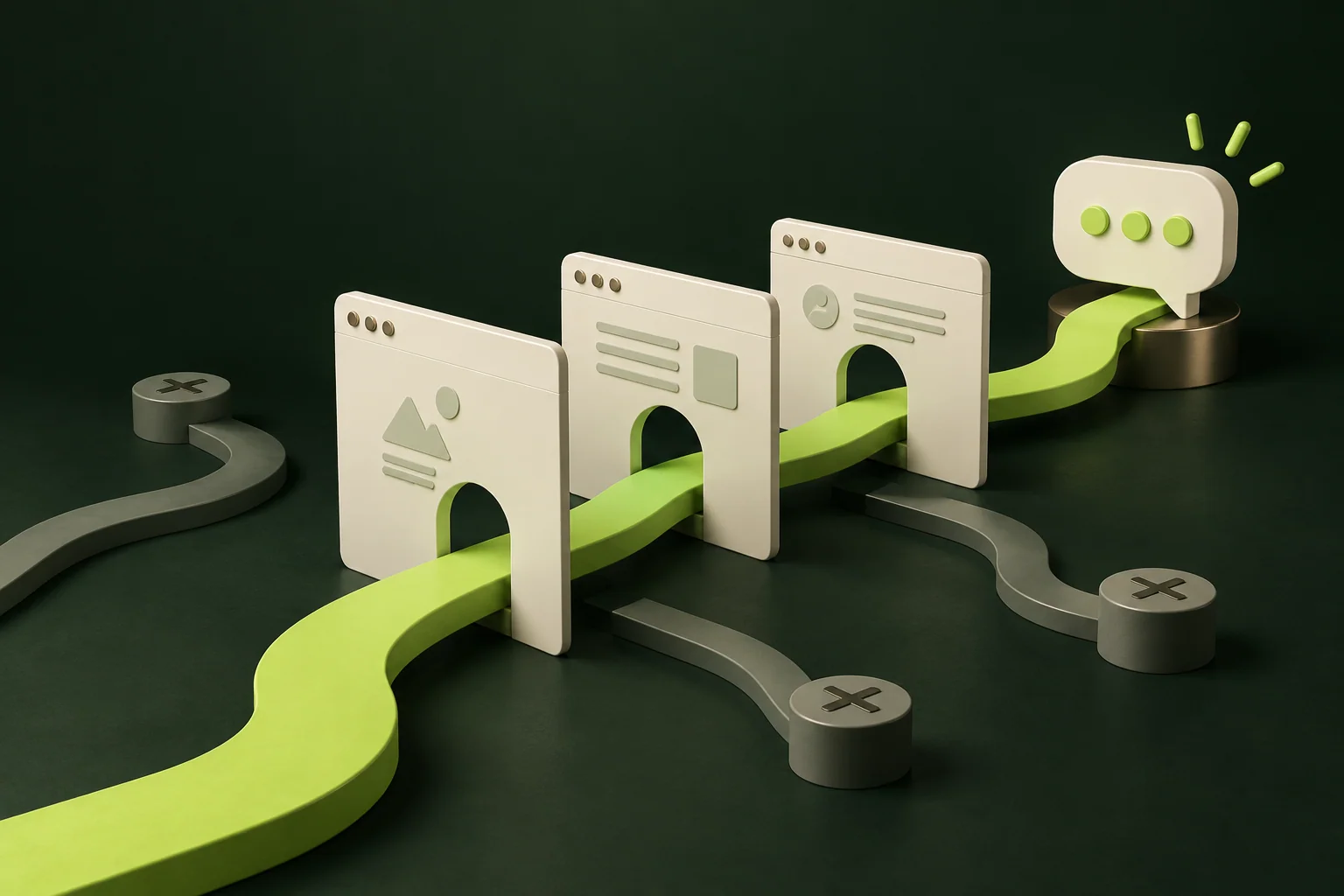
Take a customer who needs to review a document. They need to know it's ready, open the right version and give feedback or approval. Your team then needs to see the response and know what happens next.
That's more useful than a vague request to “share documents”. You immediately see which information, notifications and actions are needed. You also see what can stay outside the scope for now, such as a full chat feature when comments on the document would be enough.
A customer account can have several users
For business customers, one login per company isn't always practical. One employee may submit requests, another may approve them, and someone in finance only needs to see invoices. Those are different roles, even within the same organisation.
For each role, define which data someone can view and which actions they can take. Think about inviting colleagues, revoking access and an employee moving to another company too. These are normal situations that should be part of the design.
A hidden button isn't access control. The system must also check whether the user is allowed to retrieve or change the data. This follows OWASP's authorisation guidance: grant only the access that's needed and check permissions on every request to the system.
Decide which system manages the data
Your customer details, orders or projects probably already live somewhere. You don't want the portal to become a second set of records that everyone has to maintain.
Agree on which system is the source of truth for each piece of data. Does the order status come from your ERP? Is the contact person recorded in the CRM? Can a customer change an address in the portal, or does someone need to check that change first?
An integration needs to support those decisions. It's not enough for two systems to be able to exchange data. You also need to agree on what happens when there's a delay, missing information or a failed update. Don't show a customer a final confirmation if the request hasn't been processed successfully yet, for example.
Make the move to the portal straightforward
Customers will use a new environment when they understand what it does for them. Show them straight away what they can manage there. A home screen with one outstanding action can be more useful than an elaborate welcome page.
Think about the moments outside the portal too. A clear email can tell someone that a document is ready, with a link to the right place. Logging in afterwards shouldn't turn into a search. Include the first invitation, access recovery and the mobile experience in the design.
And leave room for contact. Some questions won't fit a predefined process. Make it clear where someone can turn if the available options don't help.
Existing portal software or custom development?
If you mainly want to share standard documents and invoices, an existing customer environment may be enough. First investigate which features your current software already offers and whether they suit the user roles.
Custom development becomes more useful when the portal forms a specific part of your service. It might need your own request steps, approvals or information from several systems. Brand experience can also be a reason to design the environment yourself, so customers get one coherent experience.
That freedom does come with decisions about ongoing management. Who helps with access problems? Who checks failed integrations? And who decides which features to add? Agree on that alongside the development work.
Want to know what those choices mean for the investment? Our explanation of how much a web app costs shows how scope, user roles and integrations determine the amount of work involved.
Bring one customer process to the first conversation
You don't need a complete functional specification ready. One worked-through example is a good start: what is the customer trying to do, which steps does your team currently take, and where does it get stuck?
Add the systems you use and a few common exceptions. That gives us enough to work out together which first version would be useful and how to test it with customers.
Want to plan a customer portal with us? Start with that one task that keeps requiring an email or phone call. Once we understand it properly, the features the portal needs become much clearer.