Check it out
From website to digital platform: when does it make sense?
Your website clearly explains what you do. Visitors can explore your offer and get in touch. Then the real work begins: requesting details, arranging access, sharing information and keeping track of where everyone is in the process.

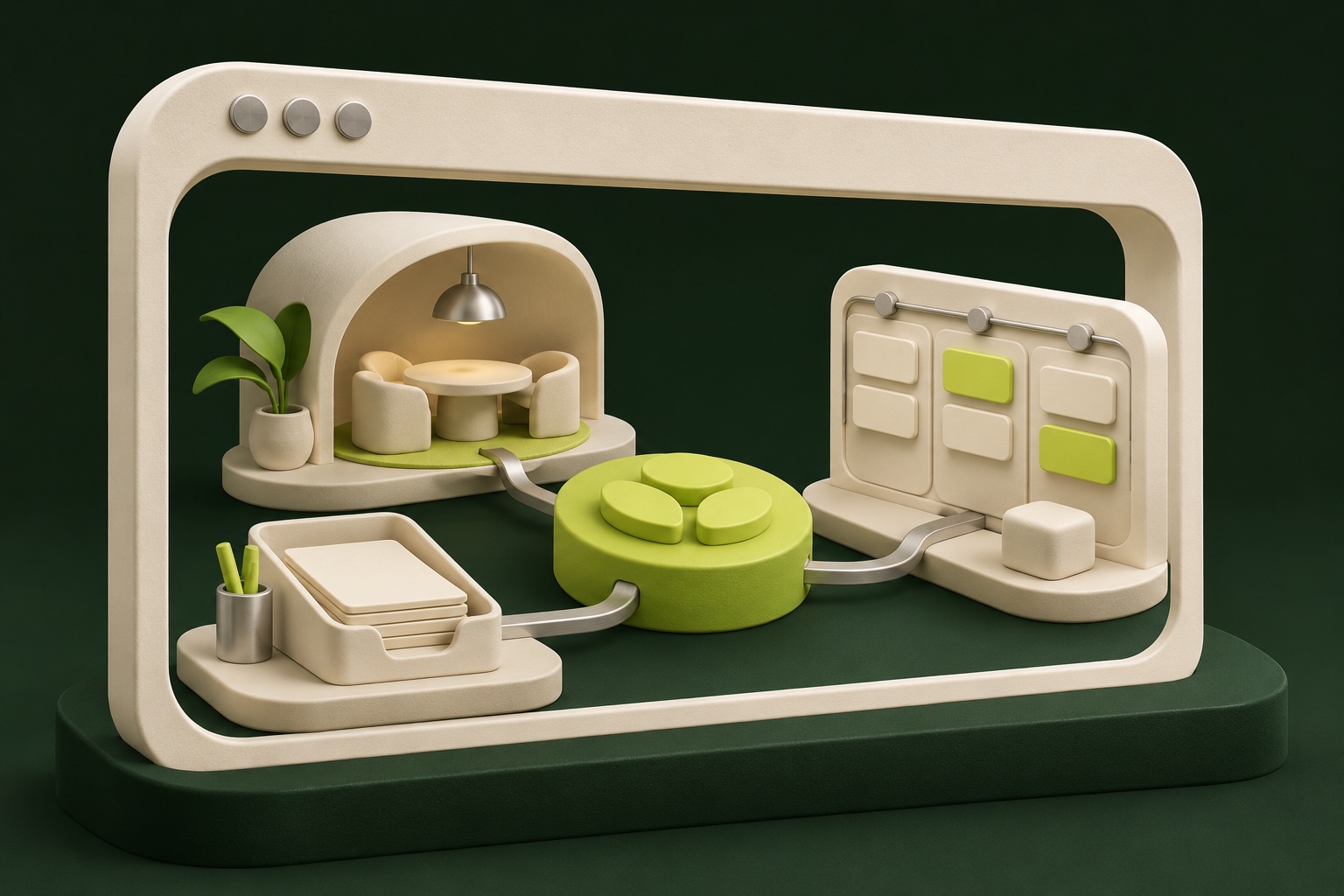
As that work grows, you may start to wonder whether a regular website is still enough. You might need a digital platform where customers and your team can carry out part of that process themselves.
Taking that step doesn't have to mean starting everything again. First, you need to know which tasks require their own environment. The word 'platform' doesn't tell you much about what you actually need to build.
What changes compared with a website?
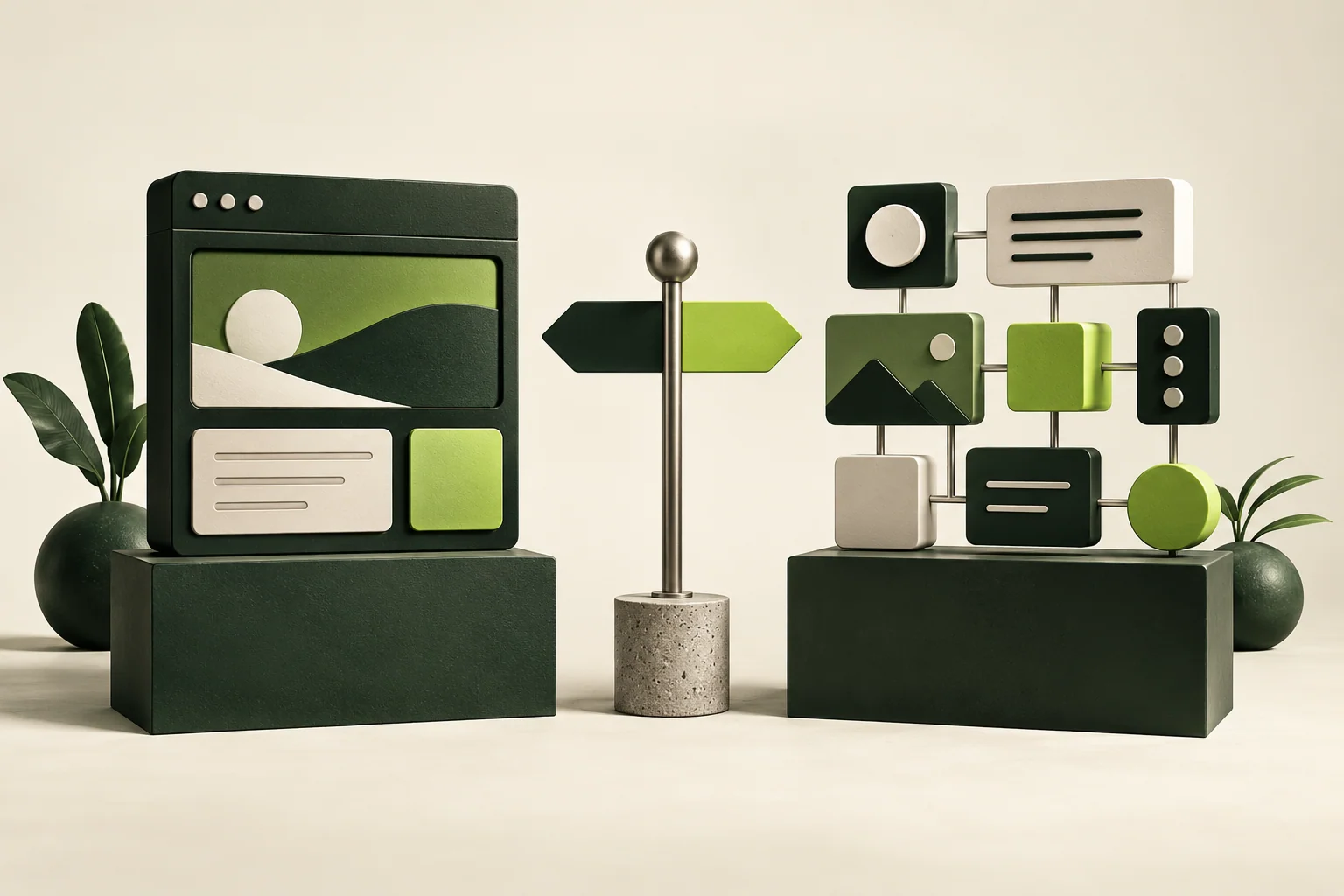
A website may primarily be there to share information and help people take the next step. On a digital platform, the user continues within the environment: submitting, managing, reviewing, tracking or coordinating something with others.
That isn't a strict technical boundary. A website can have interactive features, and a platform can have informational pages. The main difference is the role the environment plays in delivering your service.
Suppose customers need to upload documents after an enquiry and later track what happens to them. Once that becomes a recurring process with its own statuses and access rights, you are designing more than a single web page. You are building a workspace for several people.
Recognise the signs in the way you work
A custom platform can become worthwhile when customers regularly want to manage the same things, while your team keeps carrying out separate manual tasks to make that happen. Think of looking up information, sending files or sharing a status update.
Your product or service may also call for a personal environment. A membership environment tailored to what a customer buys is one example. The features it needs depend on the offer: access to particular sections, personal information or actions that form part of the service.
Those are reasons to examine the process, not an automatic brief to build something. Sometimes a feature in your existing software is enough. Sometimes an integration can solve one manual handover. A complete platform makes sense when the connections between users, data and tasks call for it.
Work through the whole user journey
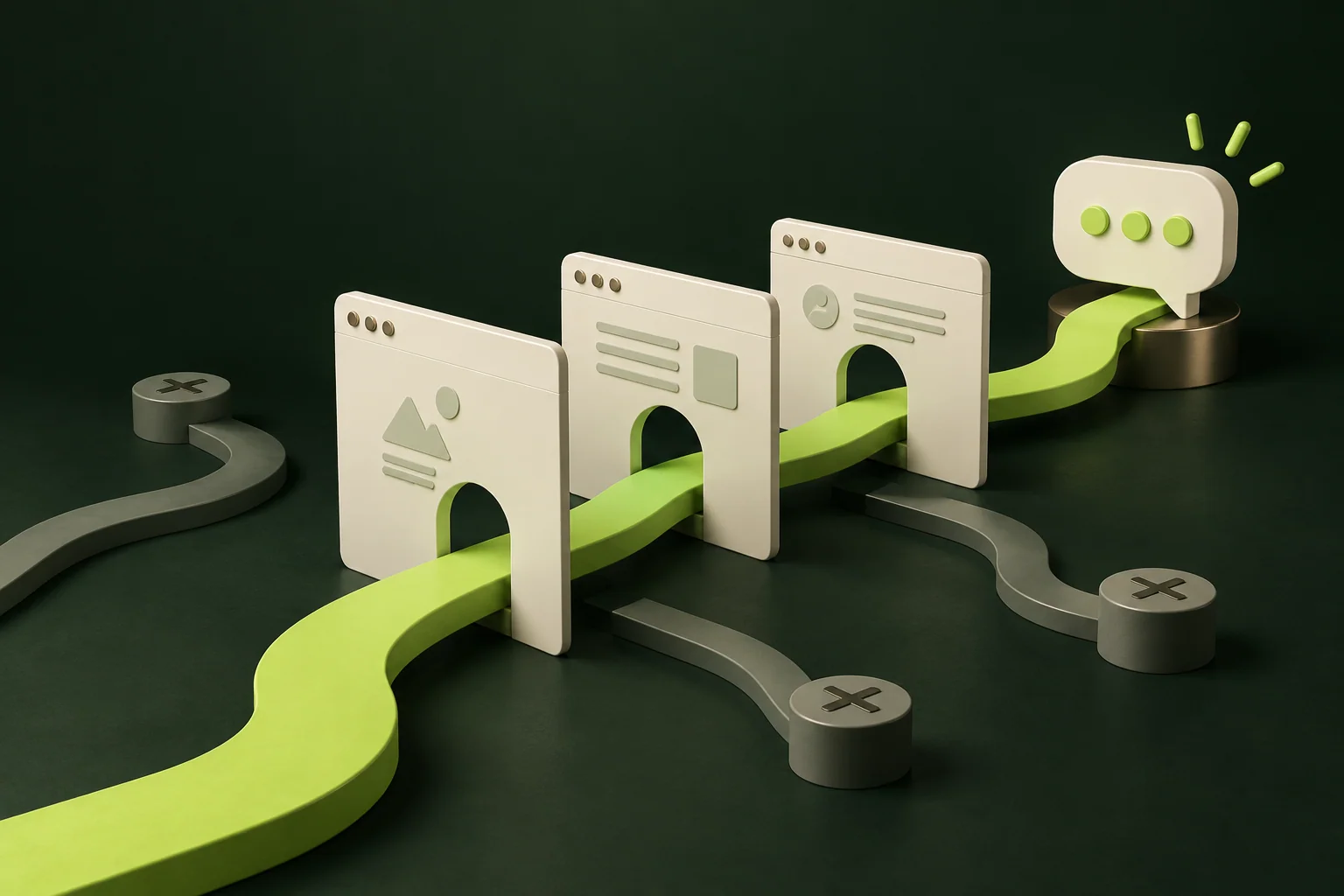
Choose one important task and follow it from start to finish. Who starts, what information is needed and who does something next? Include the moments when a user is waiting or an employee needs to step in.
For a request, the journey might involve filling in information, checking it, adding details and confirming it. The customer needs different information from the employee reviewing the request. An administrator may need to fix something without making the customer start again.
For each step, define what should be visible and which action needs to be possible. That makes the required screens and roles clearer. It also stops you from designing only a pleasant front end while the team behind the scenes still has to manage everything manually.
Keep your brand and the way the platform works connected
A platform is part of people's experience of your company. If your website tells a carefully considered brand story and the customer then ends up in a confusing environment, something gets lost.
That consistency comes through in the design, but also in the words, confirmations and expectations. Does someone know what has been received? Is the next step clear? Does asking for help feel straightforward?
Custom development can give you room to tailor that experience to your product or service. It doesn't mean every technical component has to be built from scratch. Existing systems can keep doing what they do well, with a custom environment and appropriate integrations around them.
Include ownership and ongoing management
A platform where people carry out work needs clear responsibilities. Who helps with access problems? Who checks processes that have got stuck? And who decides on changes?
It also needs to be clear which data is stored where and which users can access it. If the platform displays or changes information from other systems, the behaviour of those integrations is part of the project.
Discuss how much interruption your process can tolerate and how you'll keep working if something goes wrong. An internal tool used occasionally needs different arrangements from an environment where customers manage their service every day. That context affects both the solution and the cost.
Start with one useful part
First work through the journey that will make things clearest or easiest for users. A small initial version should support that task properly, including the necessary exceptions. You can then use what you learn from actual use to decide what to add next.
At BORING, we develop websites as well as custom tools and web apps. That means we can look at which form fits the problem with you, without deciding in advance that everything has to live in the same system.
Want to explore whether a digital platform fits? Bring the process that starts after someone visits your current website. Where does the information go, who needs to do something and where do people wait for each other? That story helps us identify which part needs its own environment.